
Build a Website Google Loves in Just 3 Hours
A free course on building a simple, high-converting WordPress business website, from DigiAssets

Time to launch a website for your business
The complete course for building a simple, high-converting business website
Course lessons
Lesson 1: Introduction
Hi everyone,
In 3 hours you’ll walk away with your own business website, a digital asset that supports your business!
In the intro lesson we’ll go over the website-building course, who it’s for, the steps along the way and the end result we’re aiming for.
Before we start, here’s a master file with the login details, all the links and the relevant plugins for the DigiAssets website-building course.
Before we start, please make a copy of this file in your Google Drive.
Lesson 2: Buying a Domain
In this lesson you’ll learn how to sign up and buy a domain through the “My Names” domain platform.
The domain is the website address that people and search engines will know you by.
Lesson 3: Hosting
In this lesson you’ll learn how to sign up and buy hosting to build your website on.
The hosting is with Cloudways, and we’ve arranged a significant sign-up discount for course participants!
The discounted hosting sign-up link is here, in the master file.
Lesson 4: Uploading a WordPress Template
In this lesson you’ll learn how to upload a ready-to-design business website template. To upload the template, install the WP All In One plugin, both the premium version and the free version, as shown in the lesson.
Here in the master file you’ll find the premium version of the plugin to upload to your site and install. After that, all that’s left is to install the free version of the plugin, as shown in the recording.
Lesson 5: Getting to Know WordPress and Initial Settings
In this lesson you’ll get to know the WordPress content management system and how to enter your website’s basic details.
Use the site details you wrote at the top of the master document (site name, domain and short description): Link
Lesson 6: Designing the Site, Adding Content and Contact Settings
In this lesson you’ll learn how to design your site, add content and images to the different pages, play with the colors and set up your contact details. Very important: to design the site properly, you need to connect an Elementor Pro license. We’ve arranged a discounted Elementor Pro license for course participants. To connect it, message us on WhatsApp here to get access.
Lesson 7: Adding New Content Pages and Articles
In this lesson you’ll learn how to add content to your WordPress site, meaning new pages or posts, and how they actually appear on the site.
Lesson 8: Connecting the Domain and Security Settings
Once the site is built and designed, you’ll learn how to connect it to the domain you bought, update this in your hosting, and secure the site by installing an SSL certificate.
Lesson 9: Connecting Your Site to Google's Tools
With the site ready, the last step is connecting it to Google’s tools: Google Search Console and Google Analytics.
To connect your site to both tools, open them through the links below and follow the steps shown in the recording.
Google Search Console:
https://search.google.com/search-console
Google Analytics:
https://analytics.google.com/
Lesson 10: Final Touches and Wrap-Up
Congratulations, your website is ready!
Where do you go from here? How do you move forward?
Your site can now serve as a digital business card. More than that, it can be an asset that brings in new customers through organic SEO.
Don’t wait. Start promoting your site and turning it into sales.
Not sure how to start with SEO? At DigiAssets we provide all the tools and a supportive environment to help you with organic SEO.
Time to launch a website for your business
What do you learn in the DigiAssets website-building course?
Learn, in a recorded course that includes WhatsApp support, how to build your own simple, good-looking business website, step by step. You’ll learn to launch a site that Google can crawl and index without issues, with a simple, professional design that visitors can easily navigate and use to leave their details.
The goal: with a short recording of one hour and fifty minutes, and about 3 hours of total work on your end (including watching the recording), you’ll walk away with a business website and a few tools to help you start bringing in organic traffic and new customers every month. Can’t believe it’s this simple? Read more below.
Businesses
Who is this course for?
- ✅ Business owners who have relied so far on word of mouth, Instagram, Facebook and social media in general, and want to start reaching customers who are searching for them on Google.
- ✅ Anyone who is not willing to pay thousands or tens of thousands of shekels to build a business website.
- ✅ Anyone who has a little time and is not very technical.
- ✅ Anyone thinking about getting into website building.
- ✅ Anyone who wants to set up a basic foundation for something more serious later on, like a sales site, ecommerce and more.
What's waiting for you
What will you learn in the course?
Buying a domain
How to sign up for a domain platform, buy a domain and connect it to your hosting.
Signing up for hosting
How to sign up, buy and set up a WordPress application to host your website or websites.
Creating a logo
Learn to create a simple logo at no cost and add it to your site.
Getting to know WordPress
Learn to upload a professional, ready-made WordPress template and update its content, plugins, site name, description and more.
Getting to know Elementor
Learn to work with Elementor, the world's leading design interface, and add elements, content, images, colors and more.
Taking your site live
Connecting the domain, SSL and security Connecting the site to Google Search Console and more.
Full support in a WhatsApp group

When you join the course, you’ll be invited to an exclusive WhatsApp group where you can ask questions and consult with us and other course members about any challenge or issue.
Feel free to talk specifically about your website, share its address and ask questions, and we’ll be there to review it in depth, help out and give you the most professional answers possible.
The group is for relevant discussion only.
Elementor premium license

Every course participant gets a one-year Elementor license, which alone is worth over ₪200 (ILS). Look it up.
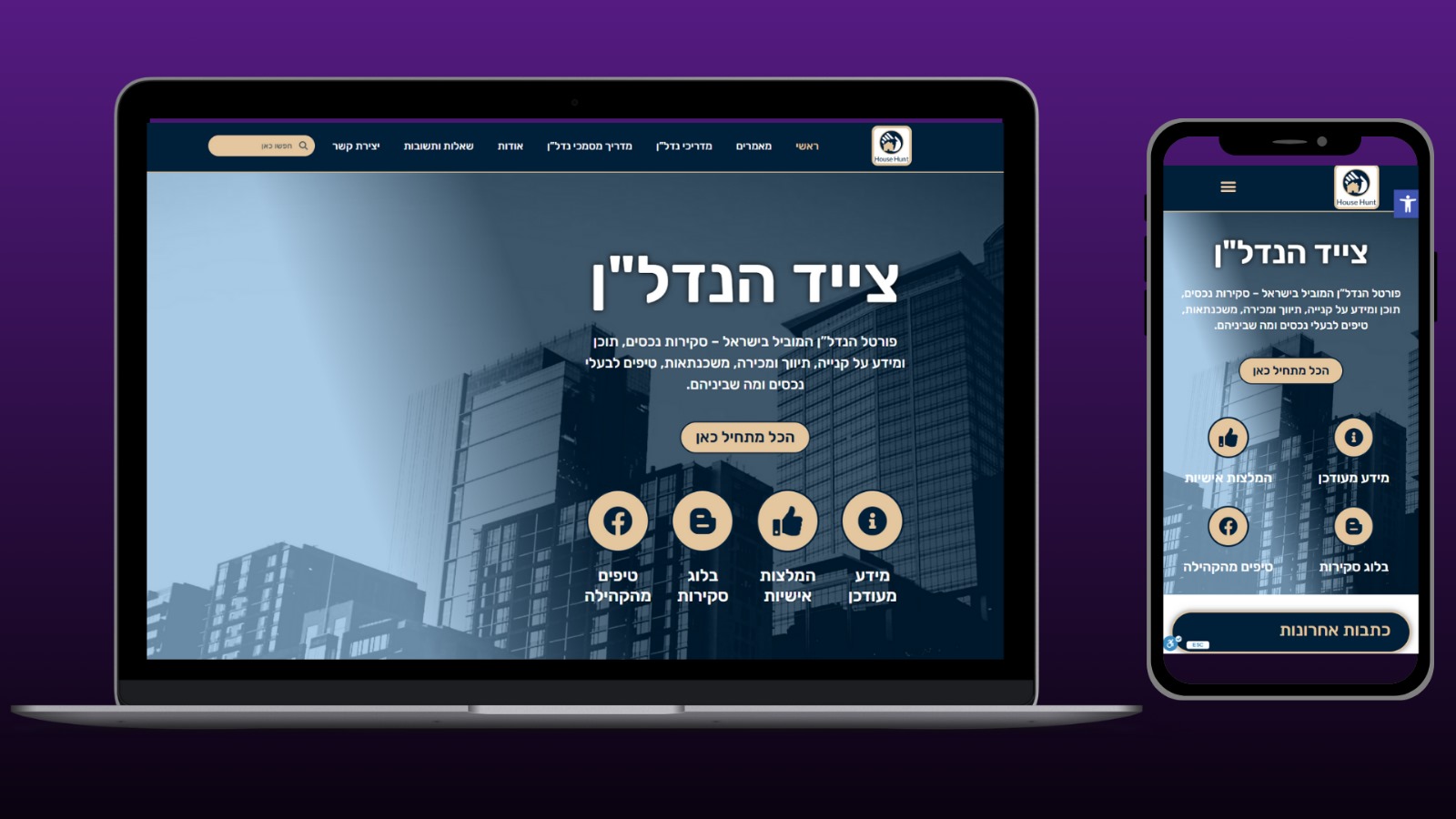
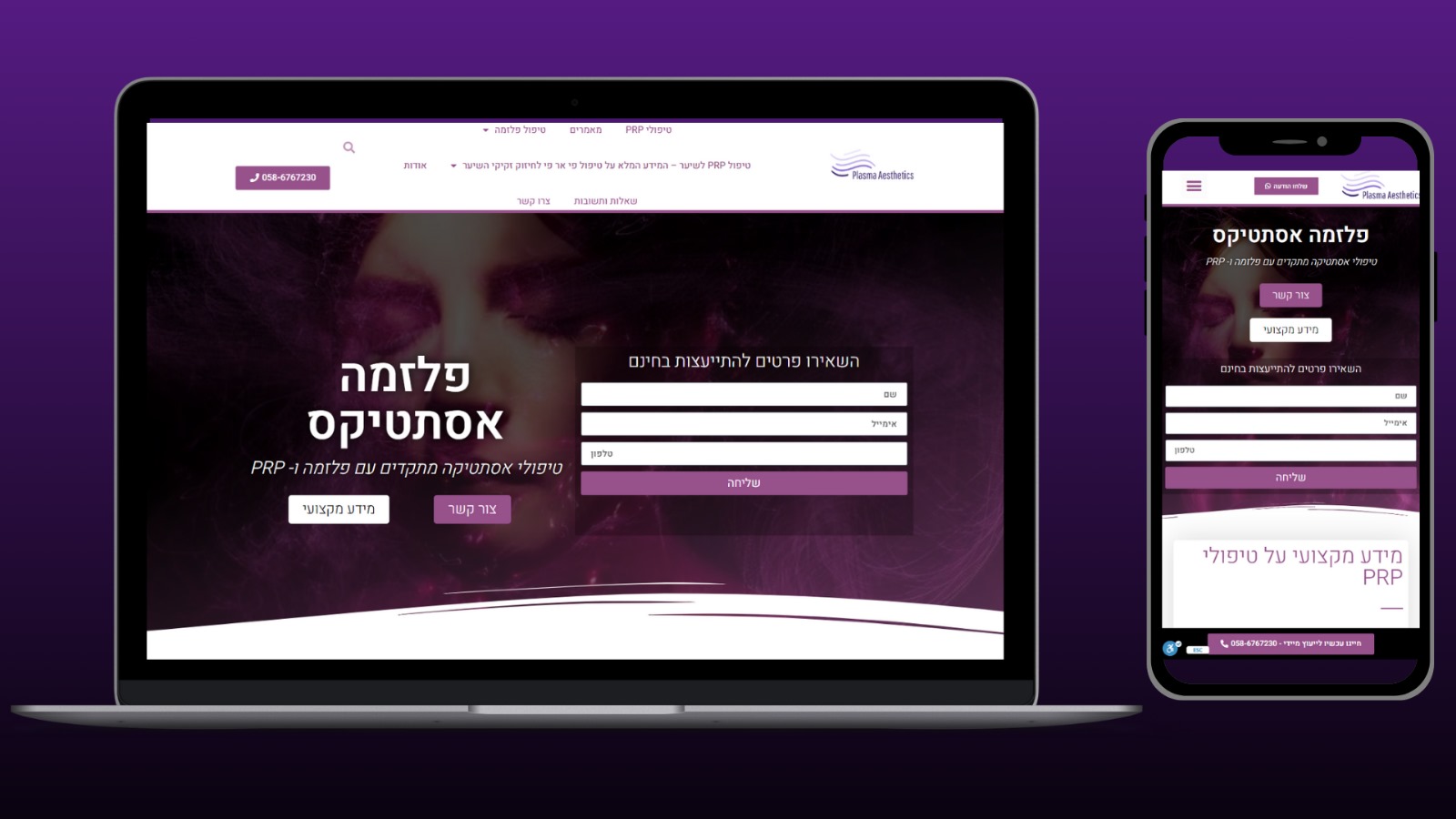
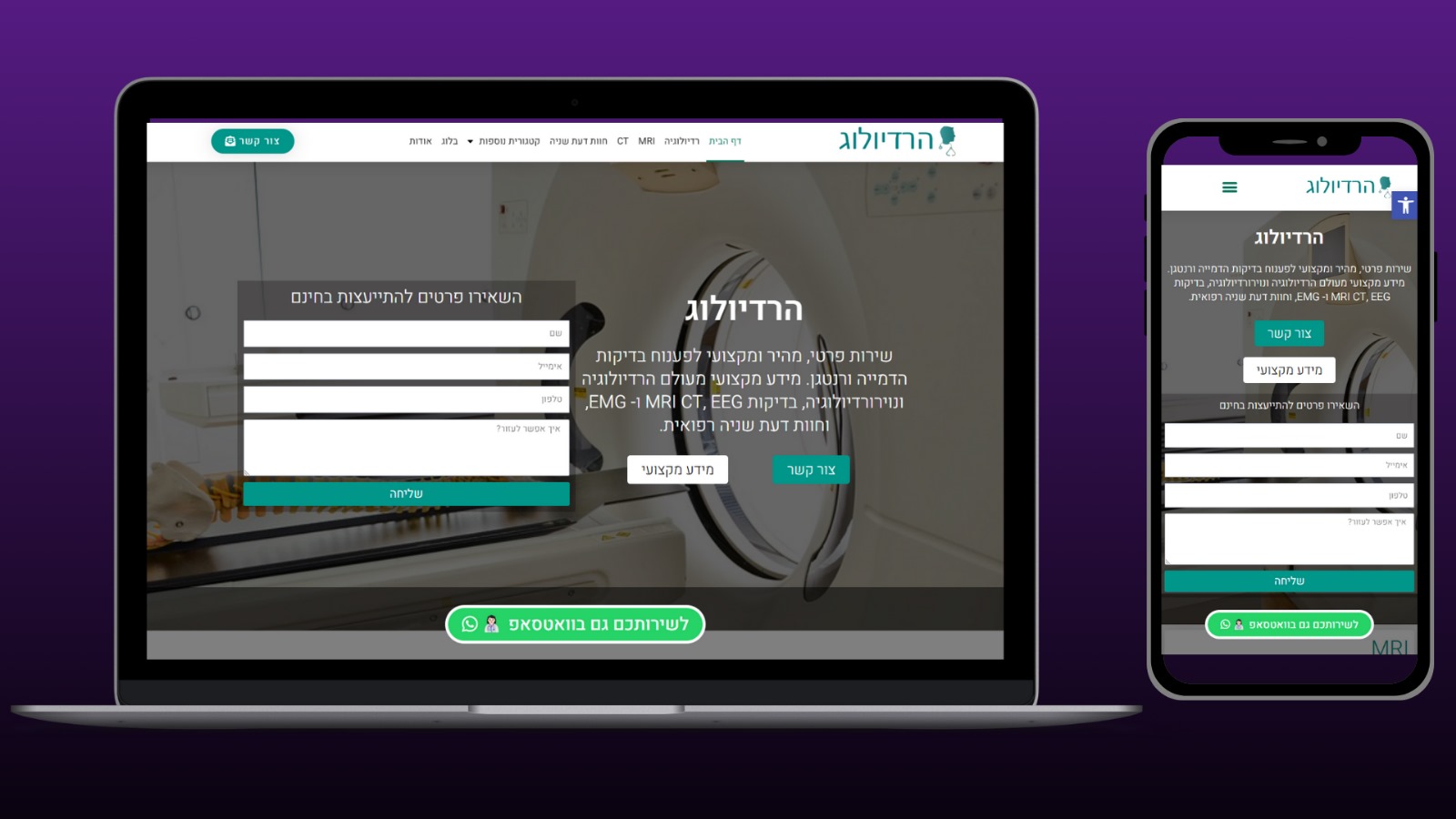
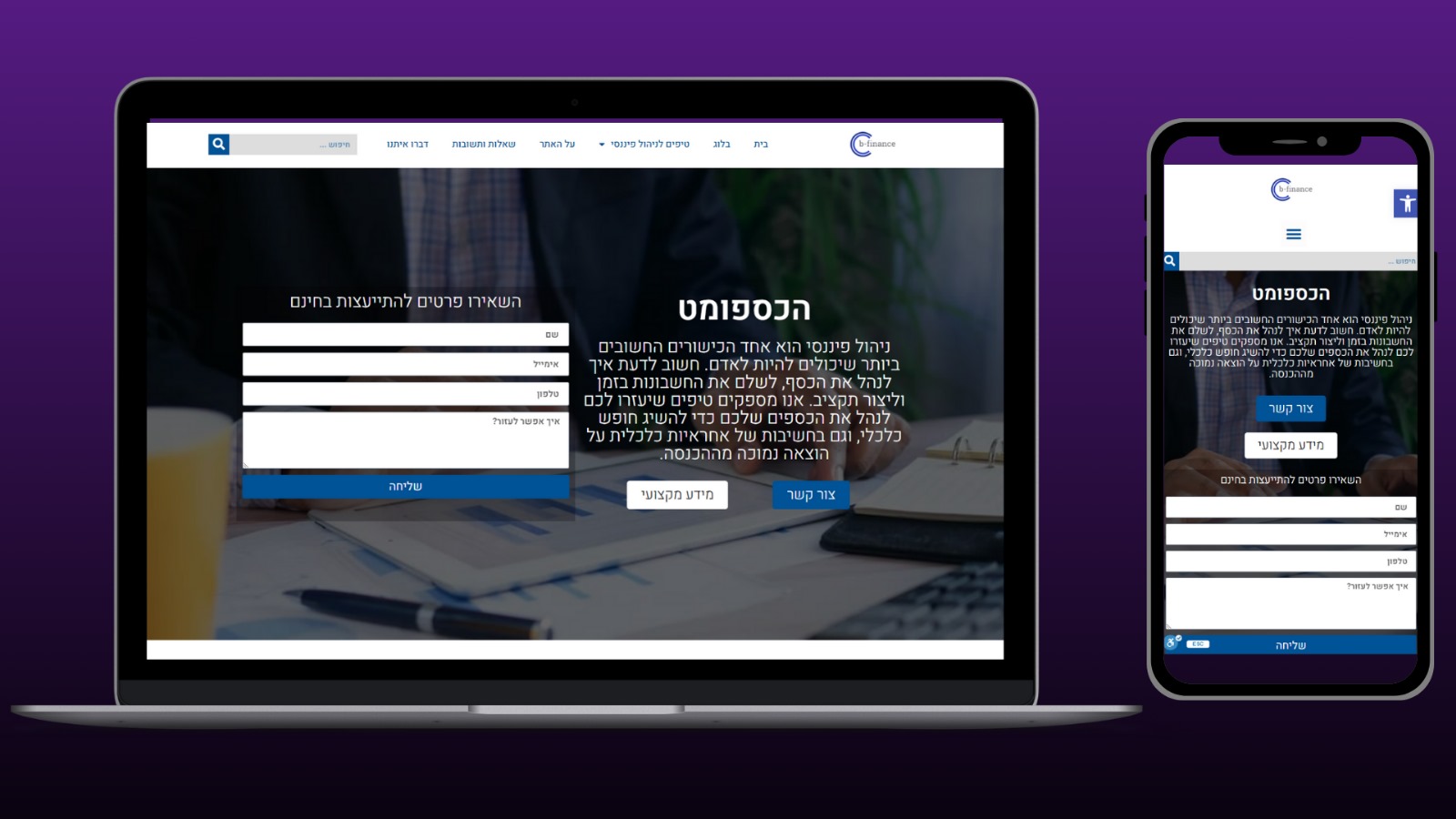
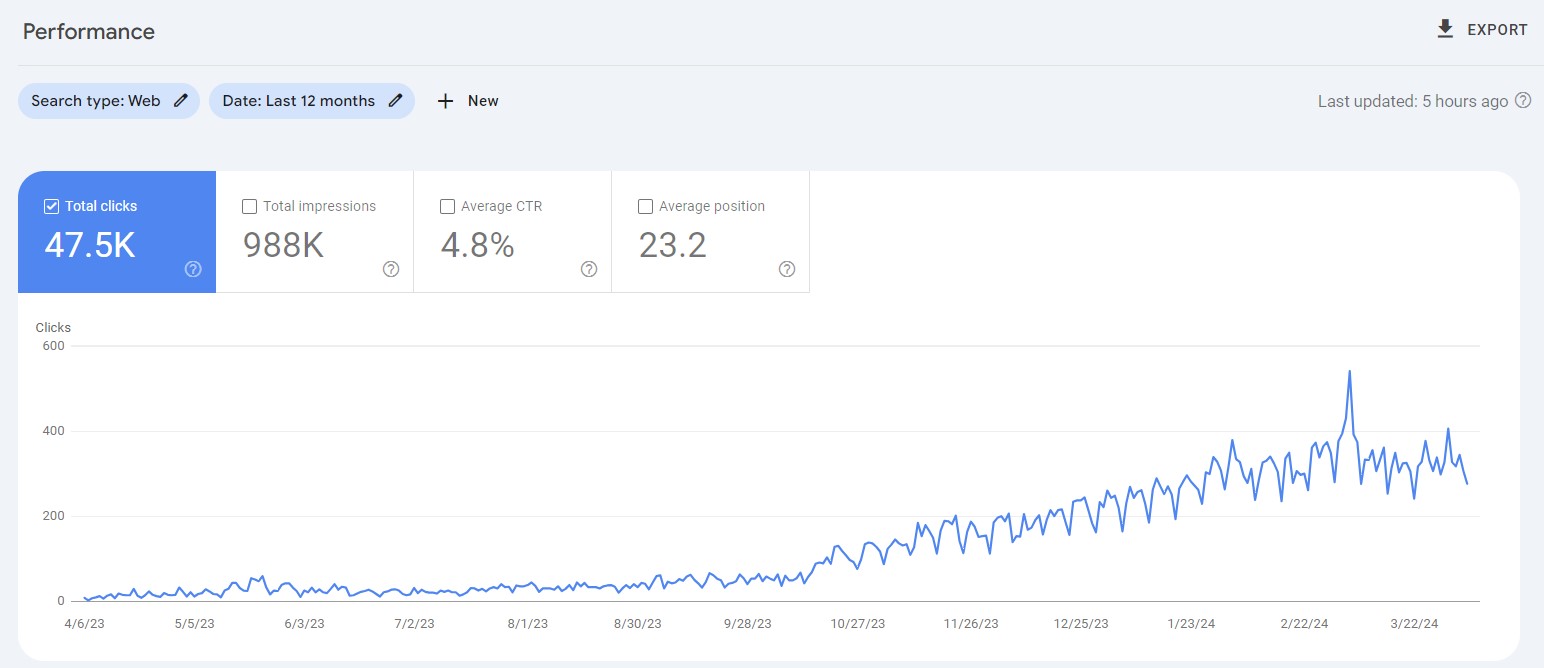
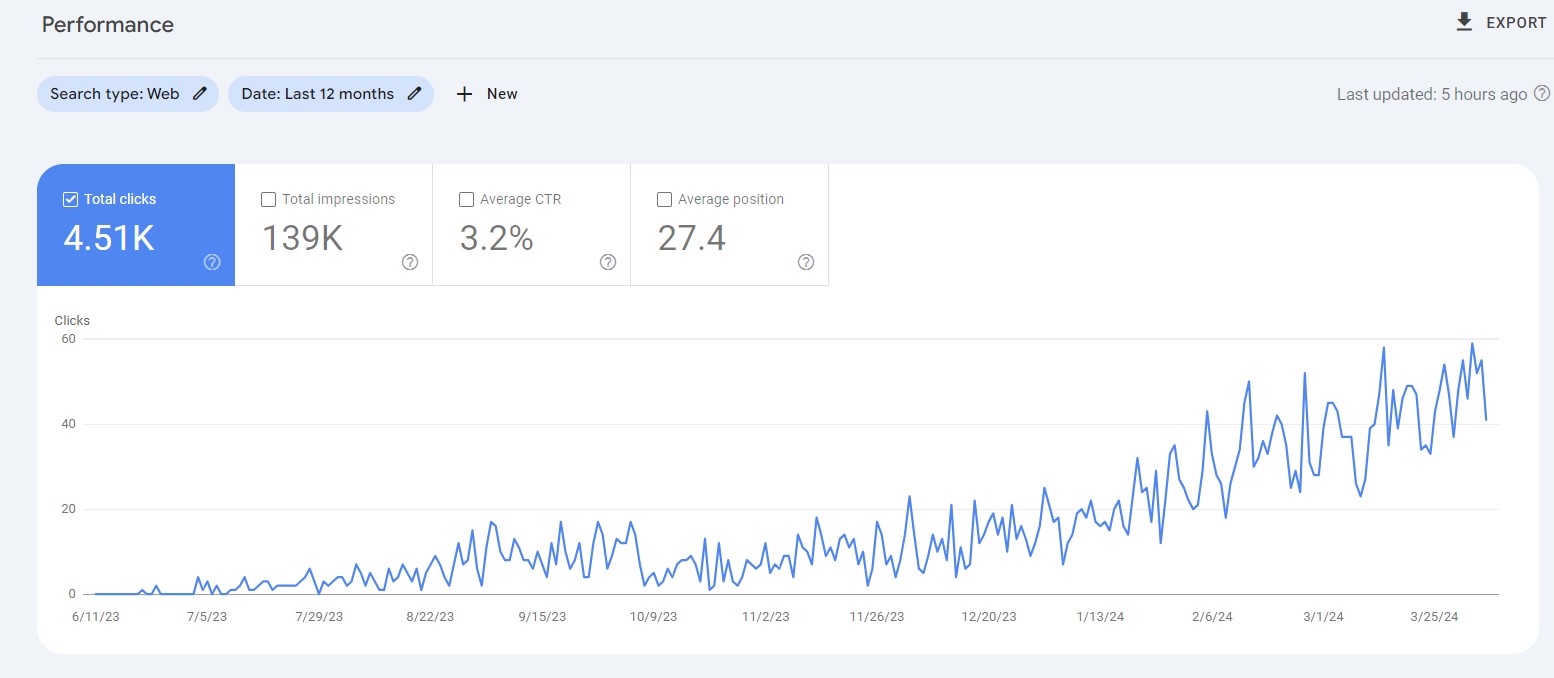
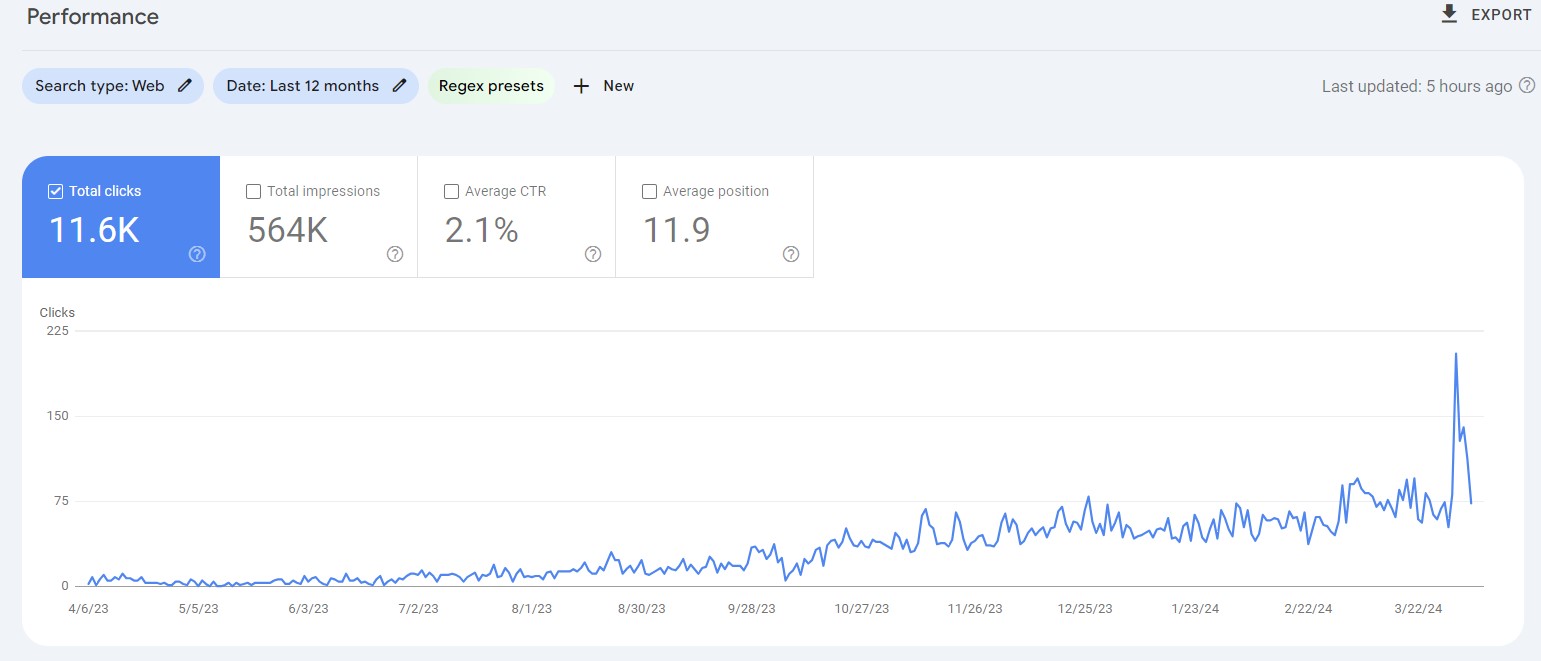
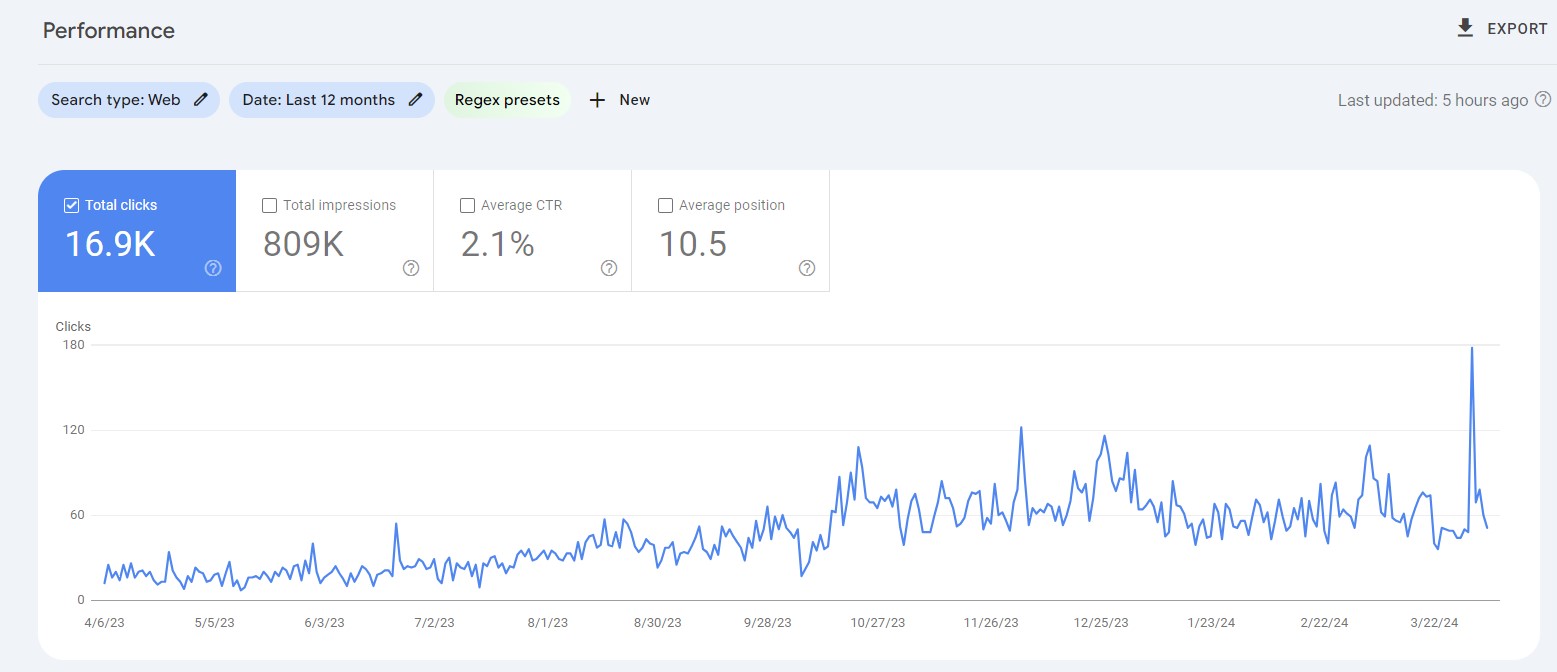
In the end, performance is what counts
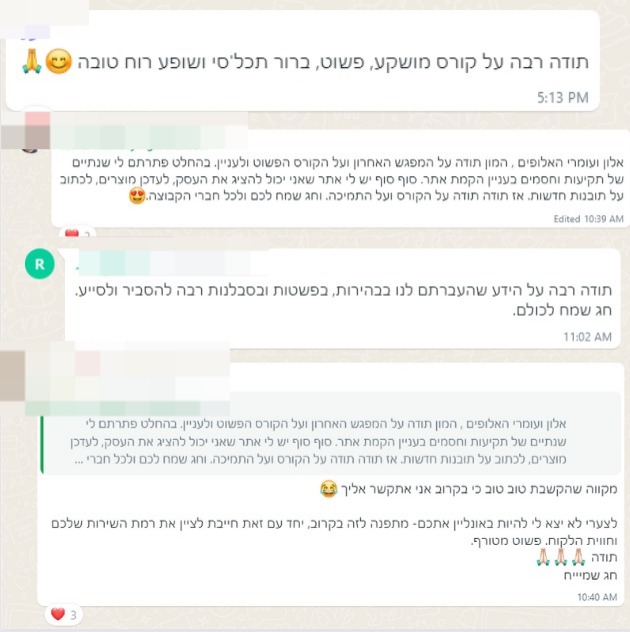
And what about organic traffic for people who took the course and kept investing in their sites?
Pricing and costs
So how much does all of this cost?...
What are you waiting for?
Isn’t it time to build a website for your business?
Join the course today, get online access with a username and password + a toolkit to help you build, and learn how to launch a website in a few hours with our effective, efficient and professional method.
Launch a website in a few hours without compromising on quality or a professional look.
Quick links
DigiAssets, all rights reserved
DigiAssets, all rights reserved